BPM adjustment
Adjust the tempo of Apple Music tracks to suit the rhythm of a workout.
Beat Changer
Adjust song tempo toward the rhythm you want for running, walking, dance, or workouts.
For Apple Music users who want to compare tempo choices without replacing the tracks they enjoy.
Disclosure: Beat Changer is developed by the company behind Running Music Lab.
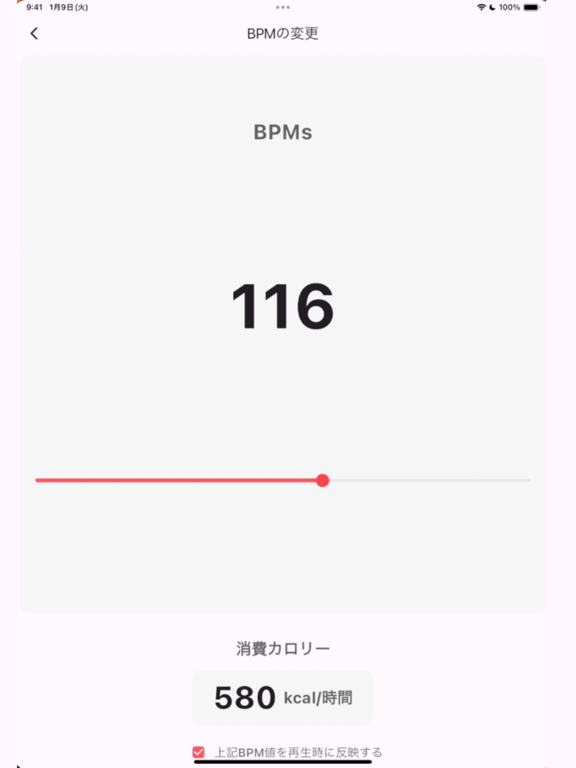
Adjust the tempo of Apple Music tracks to suit the rhythm of a workout.
Play music from playlists prepared in Apple Music.
Choose and play a specific song from inside a playlist.
Use a steady music tempo during a run or jog.
Change tempo for choreography practice or other workouts.
Keep the BPM slider and playback controls in one straightforward flow.
These App Store promotional images explain BPM adjustment and the Apple Music playlist workflow. Select an image to open a larger view.
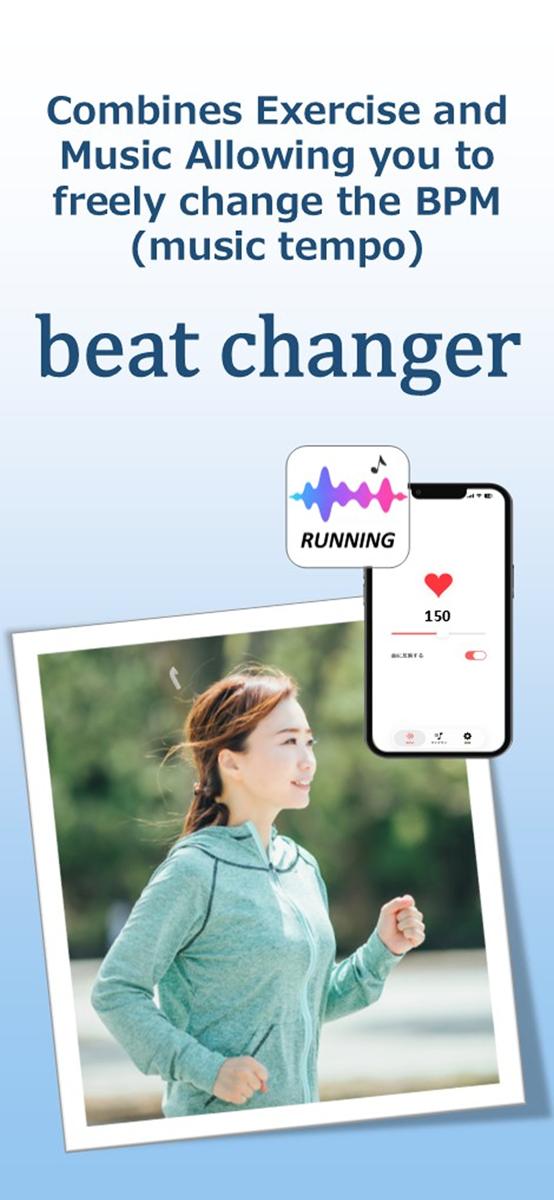
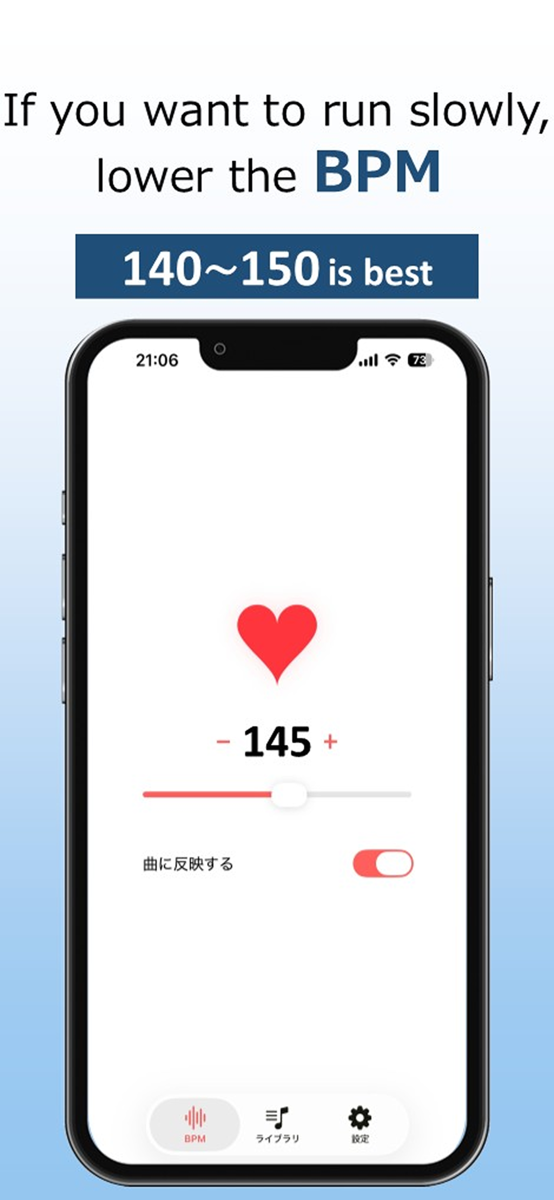
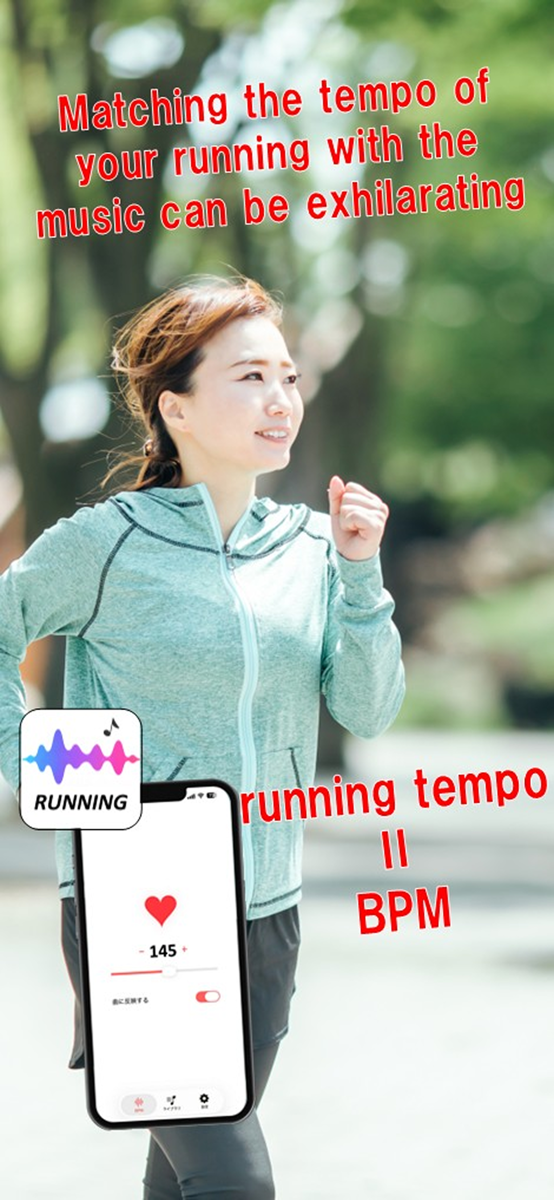
Designed for running, jogging, dance, and workouts when you want to adjust Apple Music tempo to the rhythm of movement.
The App Store currently lists the app as free. Check the store listing for current pricing and terms.
Version 5.0.0
App Store details checked 2026-07-26. Requirements may change. Official listing ↗
Yes. The App Store listing states that an Apple Music subscription is required to use Beat Changer.
The current workflow uses Apple Music playlists. Add the tracks you want to a playlist before opening the app.
No. It does not guarantee an optimal tempo. Observe your cadence and comfort, then begin with small adjustments.
Product and advertising disclosure →
Apple, Apple Music, and App Store are trademarks of Apple Inc., registered in the U.S. and other countries and regions.