Apple Music & Apps
How to Check BPM in Apple Music—and What Is Not Shown
How to Check BPM in Apple Music—and What Is Not Shown, explained with a decision table, worked example, safety checklist, FAQs and primary sources.
Turn the library you already know into short playlists for different runs. Device and subscription features change, so verify current requirements with Apple.
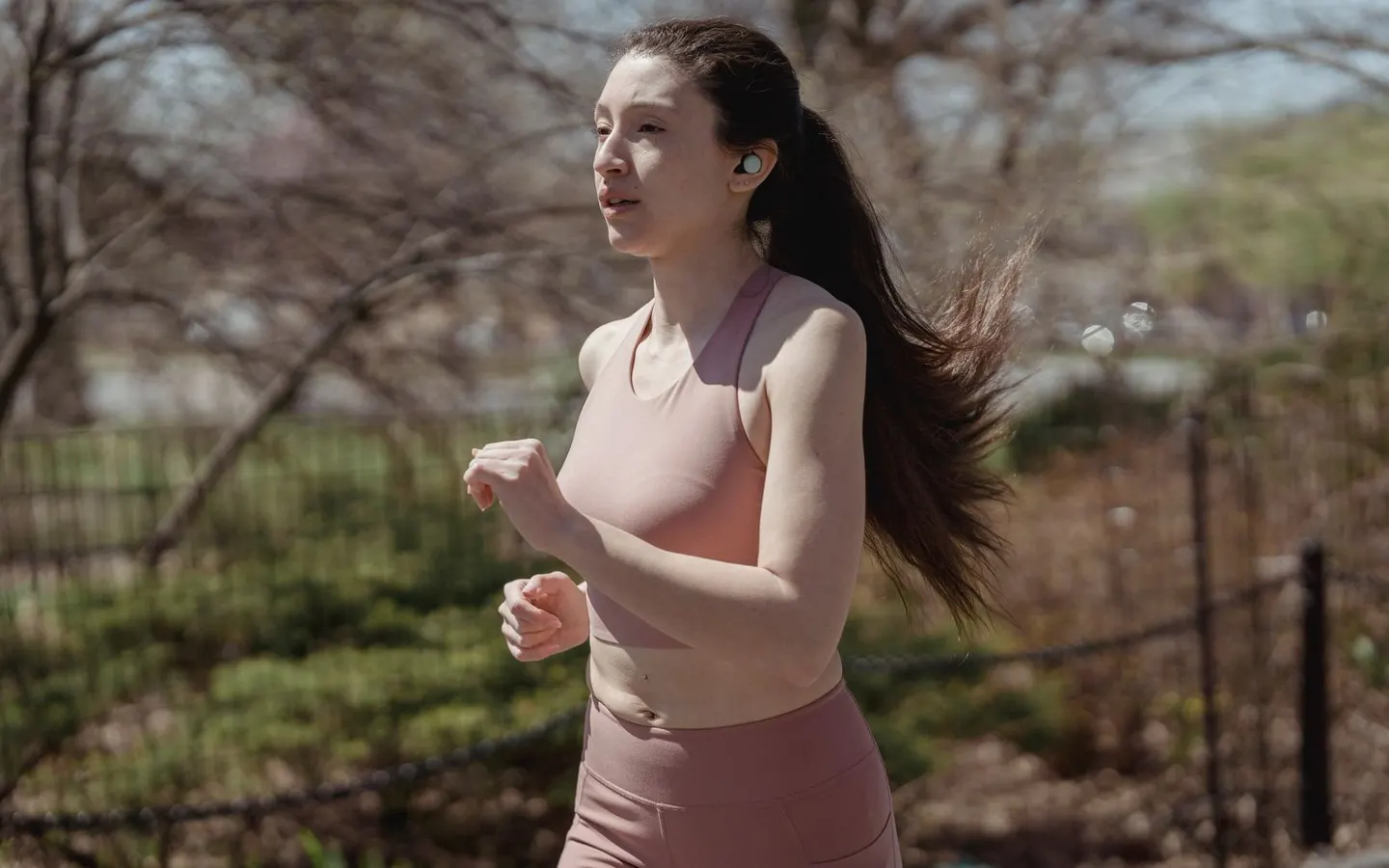
Create lists by run purpose.
Confirm downloads before leaving.
Reduce screen interactions while moving.
How to Check BPM in Apple Music—and What Is Not Shown, explained with a decision table, worked example, safety checklist, FAQs and primary sources.
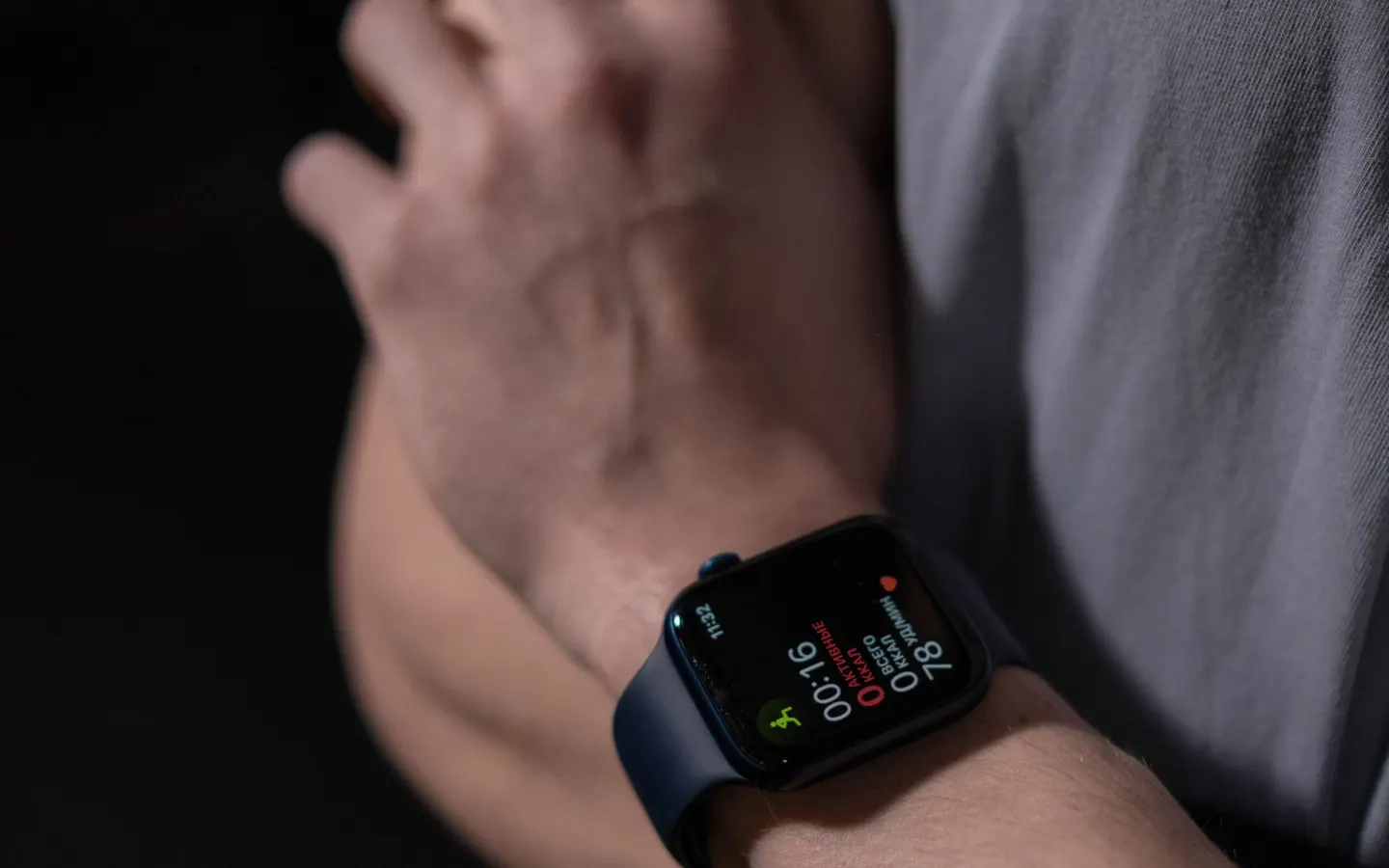
Apple Music Offline for Running: Download and Test Before You Go, explained with a decision table, worked example, safety checklist, FAQs and primary sources.

How to Make an Apple Music Running Playlist, explained with a decision table, worked example, safety checklist, FAQs and primary sources.

Best Apple Music Settings for Running: A Pre-Run Checklist, explained with a decision table, worked example, safety checklist, FAQs and primary sources.

Prepare Apple Music before a run by checking one playlist, offline playback, controls, and a volume that leaves room for awareness.
It depends on the watch, subscription, region, and download setup. Check Apple’s current documentation before relying on it.
Some compatible playback apps can adjust tempo. Keep changes small because the feel of the track can change.