
Apple Music & Apps
Running with Apple Music: Playlists, Downloads, and Safer Controls
Prepare Apple Music before a run by checking one playlist, offline playback, controls, and a volume that leaves room for awareness.
Learn how to prepare Apple Music playlists, offline playback, BPM checks, Spotify, and practical running-app choices.
7 articlesPrepare Apple Music before a run by checking one playlist, offline playback, controls, and a volume that leaves room for awareness.

How to Make an Apple Music Running Playlist, explained with a decision table, worked example, safety checklist, FAQs and primary sources.

Compare running apps by the record you want, start-and-stop controls, music setup, privacy, and how easily each one fits a normal run.
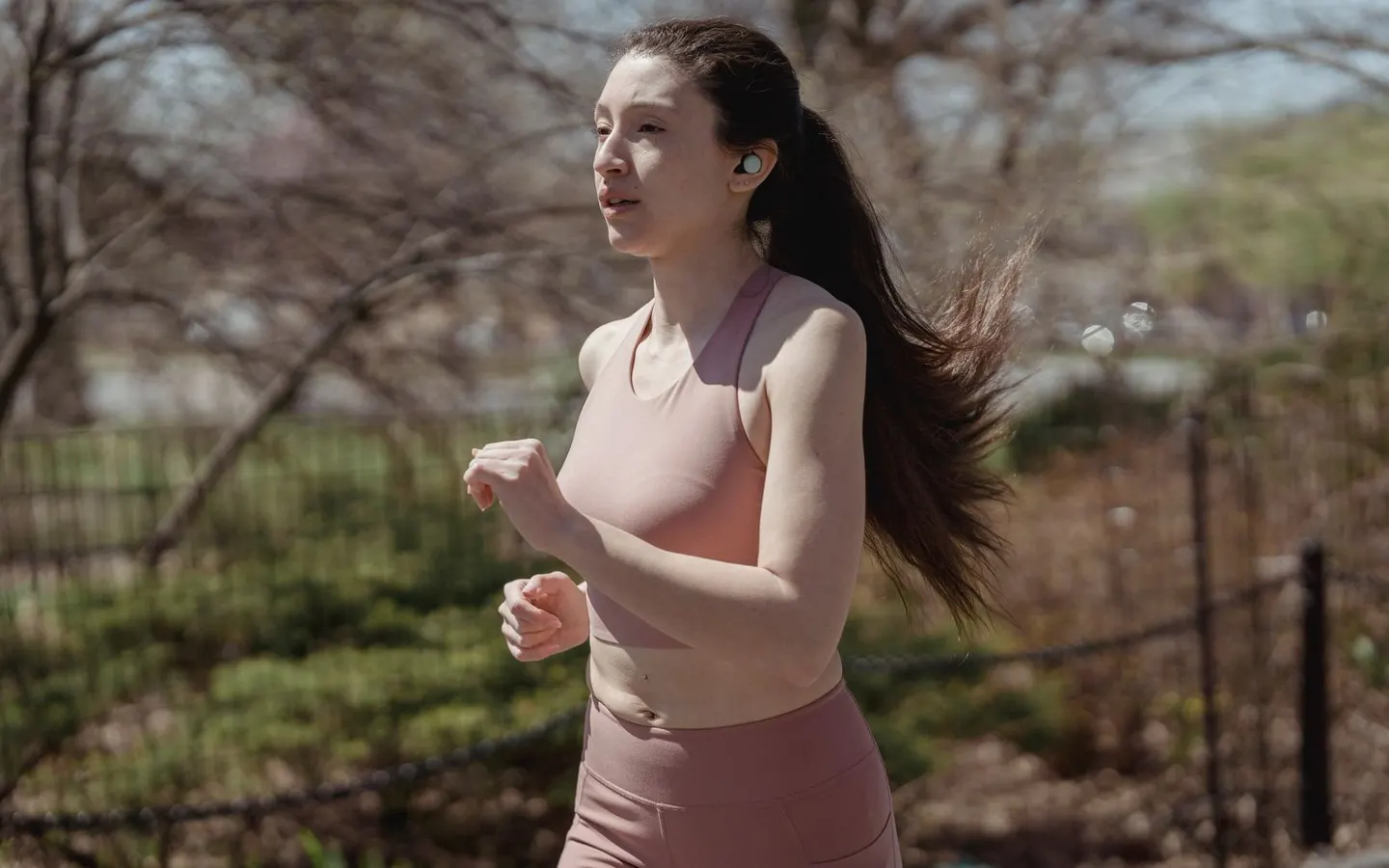
How to Check BPM in Apple Music—and What Is Not Shown, explained with a decision table, worked example, safety checklist, FAQs and primary sources.
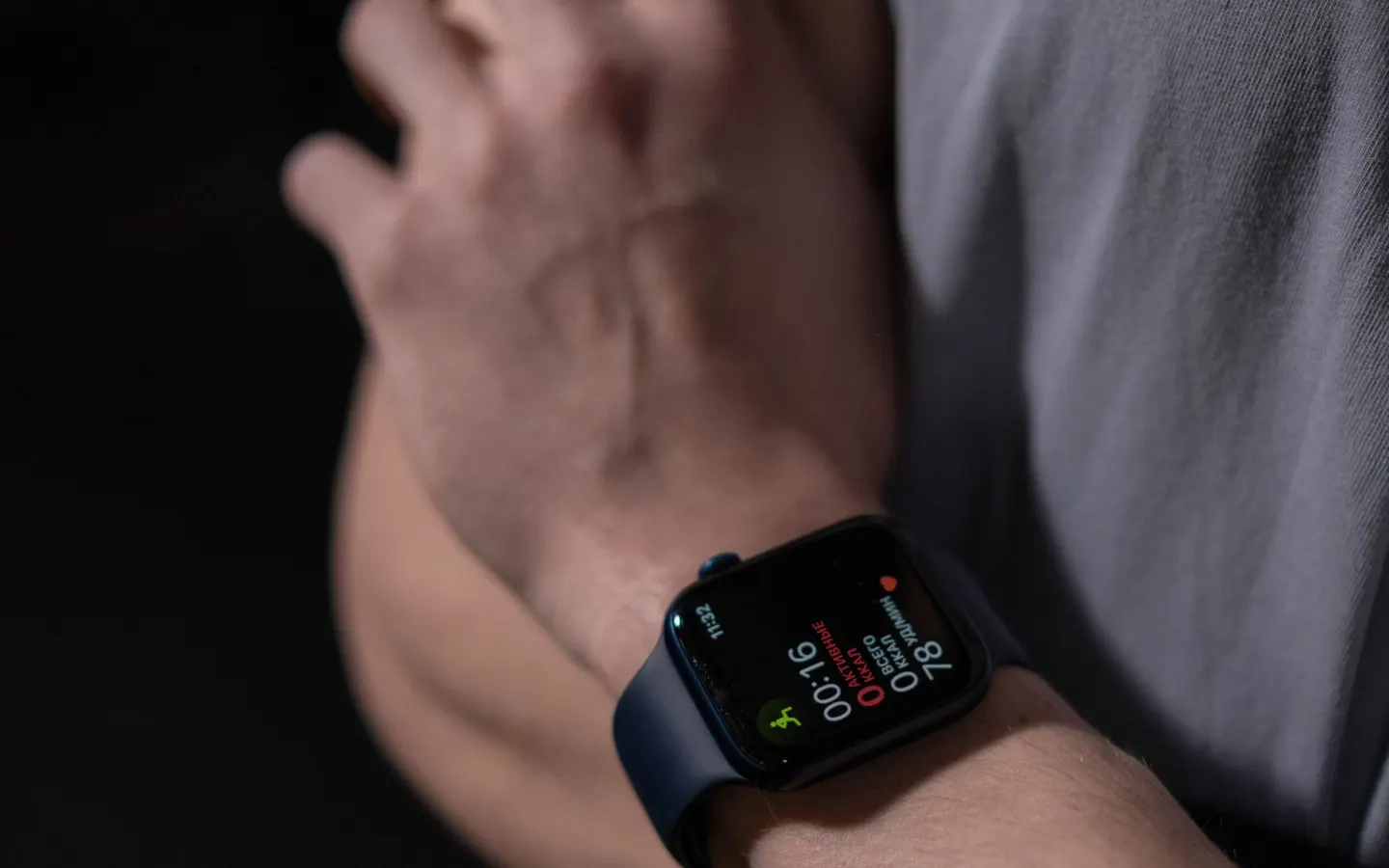
Apple Music Offline for Running: Download and Test Before You Go, explained with a decision table, worked example, safety checklist, FAQs and primary sources.

Best Apple Music Settings for Running: A Pre-Run Checklist, explained with a decision table, worked example, safety checklist, FAQs and primary sources.

Use public playlists to discover songs, move useful tracks into your own list, and arrange them around the run you actually do.
How to Check BPM in Apple Music—and What Is Not Shown, explained with a decision table, worked example, safety checklist, FAQs and primary sources.
Apple Music Offline for Running: Download and Test Before You Go, explained with a decision table, worked example, safety checklist, FAQs and primary sources.
How to Make an Apple Music Running Playlist, explained with a decision table, worked example, safety checklist, FAQs and primary sources.
Best Apple Music Settings for Running: A Pre-Run Checklist, explained with a decision table, worked example, safety checklist, FAQs and primary sources.
Prepare Apple Music before a run by checking one playlist, offline playback, controls, and a volume that leaves room for awareness.
Use public playlists to discover songs, move useful tracks into your own list, and arrange them around the run you actually do.
Compare running apps by the record you want, start-and-stop controls, music setup, privacy, and how easily each one fits a normal run.