How to Choose a Running App You’ll Actually Use
Compare running apps by the record you want, start-and-stop controls, music setup, privacy, and how easily each one fits a normal run.
日本語版を読む →
What to know before you start
- Limit candidates to two and test them on the same short route for seven days.
- Compare start, stop, and review friction as well as GPS behavior.
- Inspect location sharing and data deletion before subscribing.
Comparison
Compare criteria, fit, strengths, and limitations before deciding.
What do you actually want to see after a run: time and distance, a map, pace changes, or music controls in one place? Running apps offer long feature lists, but extra screens can make getting started feel slower. For How to Choose a Running App You’ll Actually Use, take one comparison condition from this point into the next run.
Pick the one result you care about most. If you run twice a week for health, time and distance may be enough. Before comparing subscriptions or advanced scores, use two candidates on the same short route and test start, pause, and review. Apply this evidence specifically to the next How to Choose a Running App You’ll Actually Use field test.
Choose three things you need and three you can ignore
Choose three must-haves and three nice-to-haves before comparing products. This prevents a long feature list from deciding for you. Include the devices you already own and whether you want to carry a phone. You may find this useful note to revise the next How to Choose a Running App You’ll Actually Use setup rather than making a universal rule.
Plans, prices, and regional features change. Check current official information before paying or moving years of data.
Compare GPS on the same familiar route
Tall buildings, trees, tunnels, weather, and power-saving settings affect GPS. Run the same short route two or three times and inspect whether the track stays reasonably close to the path. One distance discrepancy is not enough to identify the cause. For How to Choose a Running App You’ll Actually Use, take one comparison condition from this point into the next run.
Compare auto-pause behaviour, satellite lock time, and the phone’s location permissions as well as the final number.
Make sure pause and resume work without studying the screen
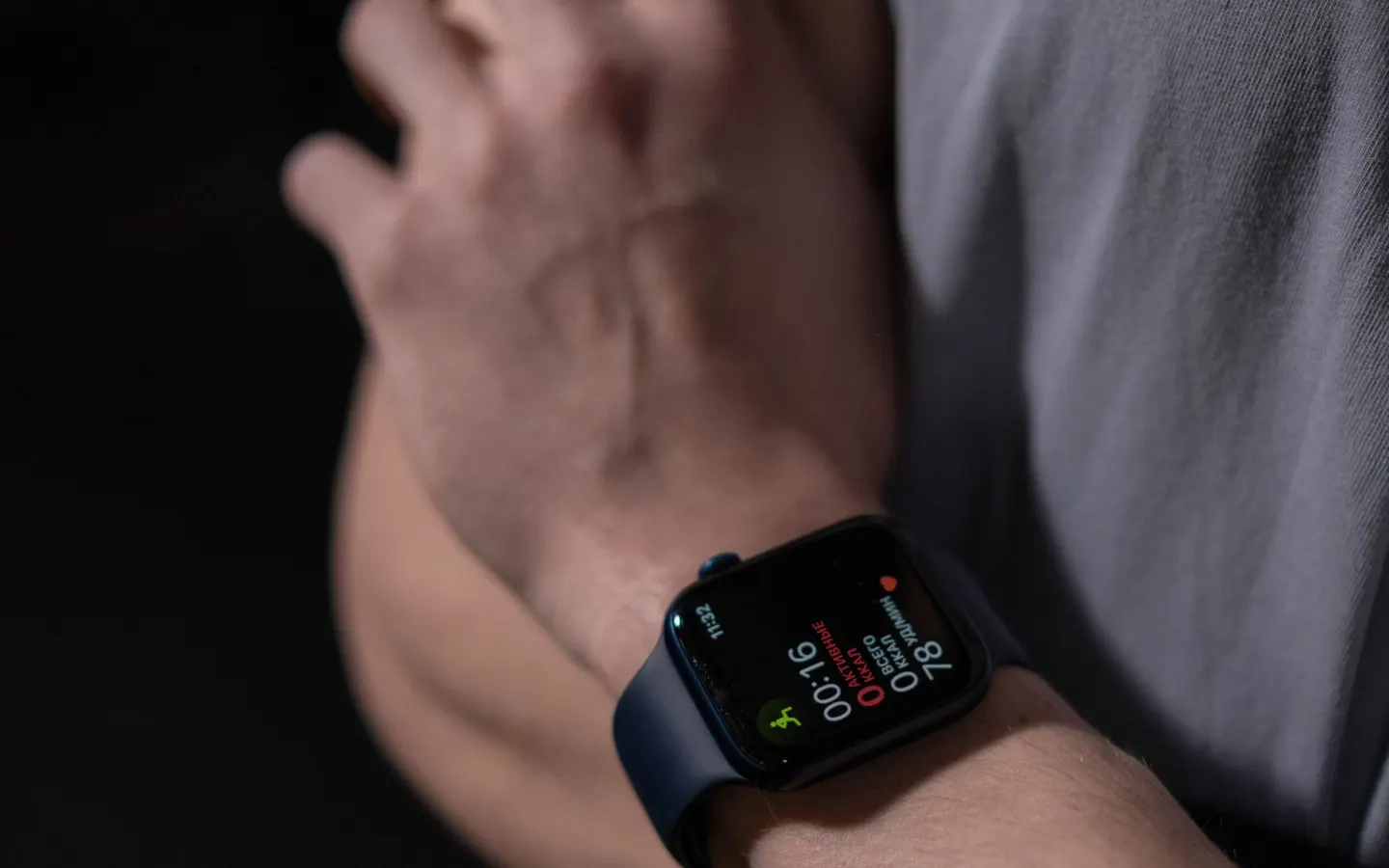
Can you start, pause, and finish without confusion? Can audio prompts provide enough information without interrupting every song? Screen lock, physical buttons, and watch complications may matter more during a run than a detailed post-run dashboard. Apply this evidence specifically to the next How to Choose a Running App You’ll Actually Use field test.
Set up music and voice guidance on a familiar, low-risk route first. Looking at a small screen in traffic is not a reasonable trade for another metric.
Let sleep, soreness, and real life overrule an app suggestion
Automated plans do not know every detail of sleep, illness, work stress, pain, or terrain. Use them as planning aids, not mandatory instructions. A rest day can be the correct response even when an app schedules a workout. You may find this useful note to revise the next How to Choose a Running App You’ll Actually Use setup rather than making a universal rule.
Beginners may benefit more from tracking weekly consistency and conversational effort than from watching every advanced score. Our beginner running guide offers a simpler starting point. For How to Choose a Running App You’ll Actually Use, take one comparison condition from this point into the next run.
Check what the map reveals and whether you can take your data with you
Location data can reveal a home, workplace, and routine. Check default visibility, approval settings, and any feature that hides the start and finish of a route. A private-looking profile can still expose a pattern through maps. Apply this evidence specifically to the next How to Choose a Running App You’ll Actually Use field test.
Look for data export in a common format and a clear process for deleting the account and associated data. Portability matters if pricing, ownership, or your preferred device changes. You may find this useful note to revise the next How to Choose a Running App You’ll Actually Use setup rather than making a universal rule.
Finish with one short side-by-side test
Use a free period to compare two or three candidates on the same short route. Rate setup time, confidence during the run, usefulness afterward, and privacy—not only recorded distance. For How to Choose a Running App You’ll Actually Use, take one comparison condition from this point into the next run.
Delay an annual subscription until you know which paid feature solves a real problem. The right app is the one that records what matters while asking for as little attention as possible. Apply this evidence specifically to the next How to Choose a Running App You’ll Actually Use field test.
Make the decision with a seven-day free-tier test
Feature lists do not reveal daily friction. Narrow the field to two apps, then use the same short route to test start, pause, finish, and review. Consider a paid plan only after confirming that a necessary function is absent from the free tier. You may find this useful note to revise the next How to Choose a Running App You’ll Actually Use setup rather than making a universal rule.
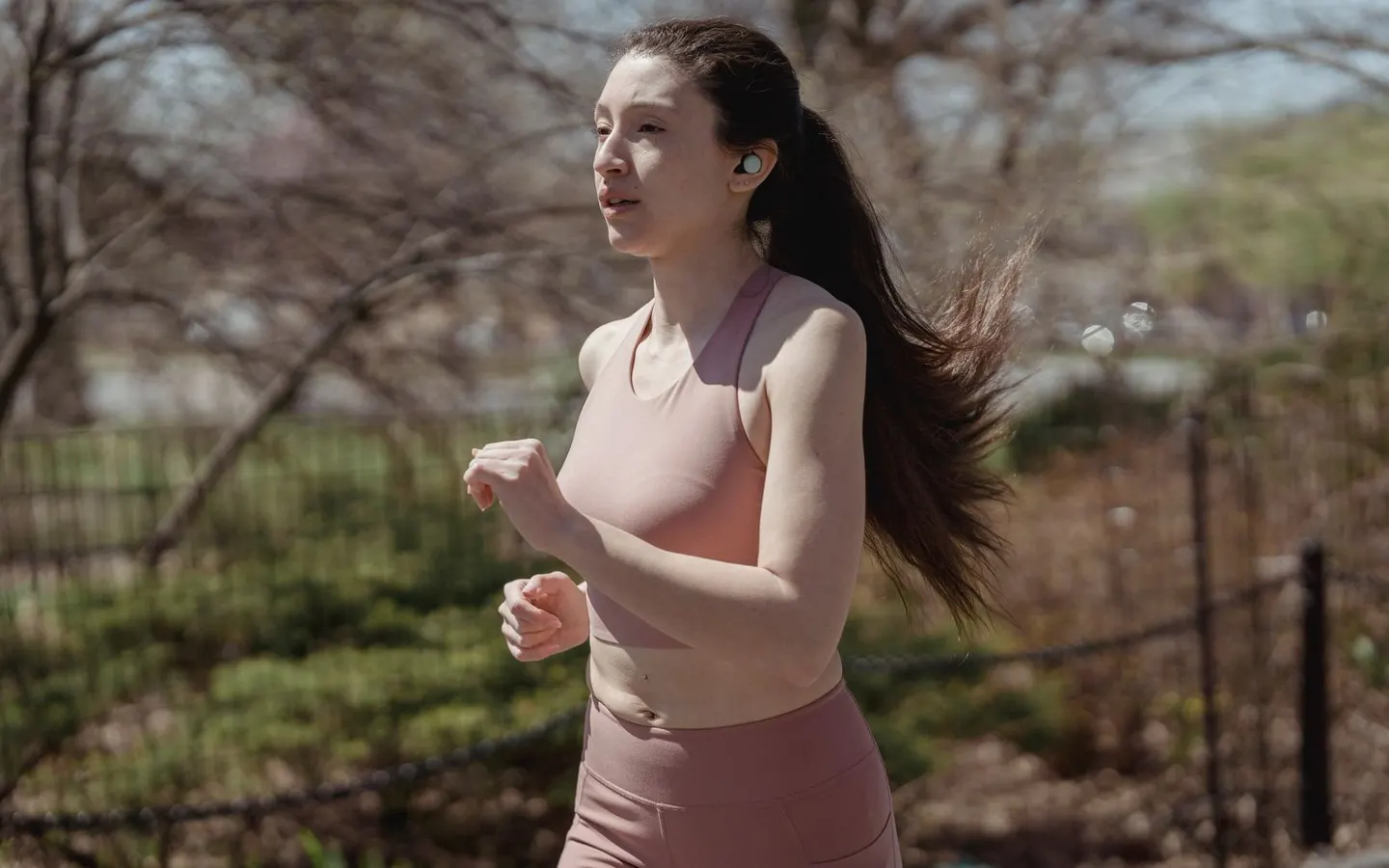
A first-time 5K runner may only need time, distance, and automatic laps. Someone doing structured race training may value workout creation and device syncing. Music-focused runners should also test prompt interruptions, offline playback, and earbud controls. For How to Choose a Running App You’ll Actually Use, take one comparison condition from this point into the next run.
Beat Changer has a different role. It is a playback-tempo app from wanway for Apple Music listeners; it does not replace GPS recording, coaching, or health judgment. A clear setup is to record real pace and cadence in the running app, then use Beat Changer only when comparing how a favorite song feels at nearby tempos. You may find this useful note to revise the next How to Choose a Running App You’ll Actually Use setup rather than making a universal rule.
App comparison checklist
- [ ] The app solves one named job: logging, coaching, navigation, or music
- [ ] Starting and ending a run takes few enough actions
- [ ] Export, privacy, subscription, and device requirements are understood
- [ ] The same short route has been recorded twice
- [ ] The app can be removed without losing irreplaceable training history
Frequently asked questions
Is How to Choose a Running App You’ll Actually Use suitable for beginners?
Yes, when used as a cautious experiment rather than a universal prescription. Change one condition at a time on a short, familiar route and stop for pain or unusual distress.
What should I record first?
Record distance, duration, perceived effort, environmental awareness and any moment when the music or equipment became distracting. That makes the next adjustment explainable.
Should I use the same setup on every run?
No. Recovery runs, steady sessions, long runs, weather and time of day create different needs. Save a small setup for each purpose and compare like with like.
What is the first safety priority when running with audio?
It is important to still detect traffic, other path users and official instructions. Lower or stop audio where risk rises, and follow local and event rules.
Do I need Beat Changer?
No. It is an optional tool for Apple Music users who want to compare small tempo changes in songs they already like. Leave the music unchanged when it already feels natural.
References
- Deafness and hearing loss: safe listening ↗World Health Organization · government · accessed 2026-07-26
Features, rules and availability can change; check the linked primary source before acting.
- Pedestrian Safety ↗National Highway Traffic Safety Administration · government · accessed 2026-07-26
Features, rules and availability can change; check the linked primary source before acting.
- Apple Watch User Guide: Workouts ↗Apple Support · official · accessed 2026-07-26
Features, rules and availability can change; check the linked primary source before acting.
- Running dynamics and physiological measurements ↗Garmin Support · official · accessed 2026-07-26
Features, rules and availability can change; check the linked primary source before acting.
- Effects of music in exercise and sport ↗Psychological Bulletin / PubMed · academic · accessed 2026-07-26
Features, rules and availability can change; check the linked primary source before acting.
We prioritize official, academic, and primary sources and keep quotations to the minimum needed.