Running with Music Safely: 10 Checks Before and During Your Run
Use a practical checklist for volume, crossings, route choice, weather, controls, and keeping attention available while running with music.
日本語版を読む →
What to know before you start
- Decide in advance where intersections, darkness, or crowds mean audio stops.
- One-ear and bone-conduction use do not guarantee safety.
- Make playback changes only after stopping in a safe place.
Guide
Use the audience, preparation, steps, and common mistakes as a working checklist.
A favourite song can make it easier to miss a bicycle approaching from behind or a car leaving a driveway. You do not have to choose between music and awareness, but you do need a quick way to pause and a plan for busy sections.
Transparency and open-ear designs may leave more environmental sound available; they do not guarantee that every warning will be heard. Picture the crossings and dark sections on your route, then confirm the pause control before leaving.
Before leaving, check the route and the pause control
1. Know the route
Identify blind junctions, driveways, sections without a sidewalk, isolated areas, and places where navigation will demand attention. On an unfamiliar route, consider running without audio until you understand the environment.
2. Make yourself visible
Use reflective or illuminated equipment in low light. Music can reduce your awareness, so visibility to other road users becomes even more important.
3. Prepare controls and contact access
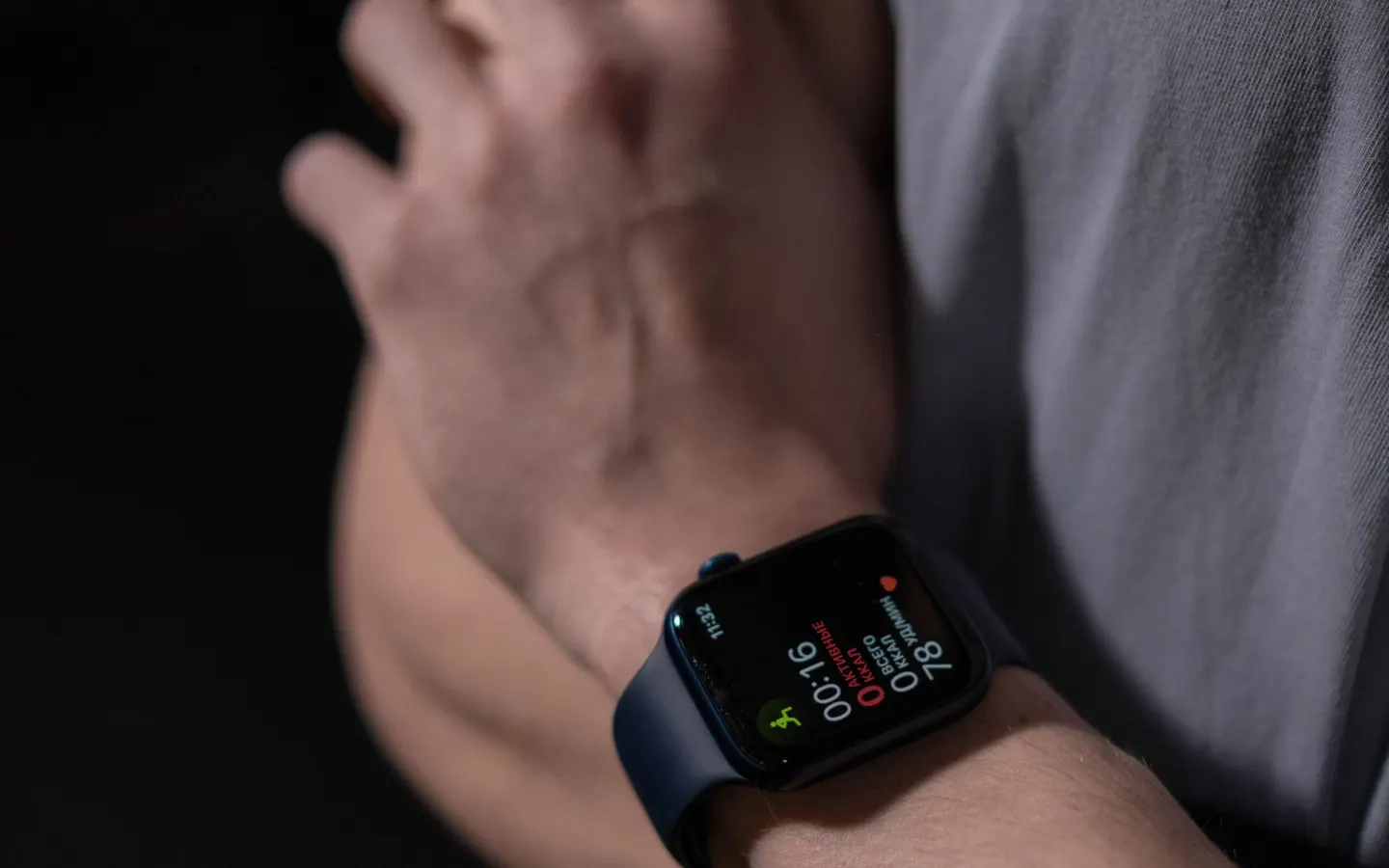
Charge the phone or watch, set the playlist, and configure headphone controls before moving. Know how to pause immediately. Where appropriate, set an emergency contact or location-sharing method without publishing your route broadly.
Pause the music at crossings and crowded sections
4. Keep useful environmental sound
You should be able to hear nearby speech, warning signals, and approaching movement. If road noise makes you raise the volume, pause audio or choose a quieter route instead.
5. Pause at crossings
A green signal does not remove the risk of turning vehicles, bicycles, or unexpected pedestrians. Pause playback, look in every relevant direction, and avoid operating a screen.
6. Do not over-trust transparency mode
Wind, microphone processing, fit, and battery state change what reaches your ears. Test the setting in a safe place and continue to make visual checks.
7. Keep an audio-free option
One ear, open-ear audio, or no audio may suit different environments. Playing music through a speaker can disturb others and is not a substitute for awareness.
8. Notice pace changes
An energetic chorus can cause an unplanned surge, especially downhill or near a crossing. If breathing or control changes, slow down or pause the music.
Change the plan when weather, hearing, or health changes
9. Change the plan for unsafe conditions
Water resistance does not make lightning, flooding, heat, ice, or poor visibility safe. Move indoors, postpone, or shorten the run when the environment requires it.
10. Rest your ears and body
Ringing, muffled hearing, or discomfort after running may indicate excessive sound exposure. Stop using the headphones and seek qualified advice if symptoms continue. The same principle applies to pain, dizziness, chest symptoms, or unusual breathlessness during exercise.
Build safety into the playlist itself: a calmer low-light list, easy pause controls, and planned audio-free sections. See our running playlist guide for a practical structure.
Change how you use music with place and time
Even equipment that passes ambient sound can pull attention toward music. A volume percentage does not guarantee awareness. Test whether you can identify an approaching bicycle, a vehicle indicator, and a marshal's voice in the actual setting.
Before leaving, spend 60 seconds checking weather, light, construction, playback, pause controls, battery, emergency communication, and the shortest route home. Decide in advance where rising traffic means audio stops.
When changing Apple Music playback tempo in Beat Changer, stop in a safe place first. The app is from wanway. Do not read a result while moving, and assess volume and movement during the first changed track only in a traffic-free section.
Three steps before departure
- Check weather, light, traffic, construction, and current event or venue rules.
- Test pause and ambient audibility while stationary, eliminating screen use in motion.
- Decide where intersections or crowds mean audio stops and identify the shortest route home.
Frequently asked questions
Is using only one ear safe?
It does not guarantee safety. Directional hearing and attention can still change, so stop audio when traffic or rules require it.
Can I wear headphones in a race?
Rules vary by organizer. Check current instructions and remain able to hear marshals at all times.
Can I change tracks while running?
Stop fully in a safe place before viewing controls. Ideally prepare an order that needs no interaction.
References
- Make Listening Safe ↗World Health Organization · government · accessed 2026-07-26
Public-health context for safer listening; road, venue, and race rules must be checked separately.
We prioritize official, academic, and primary sources and keep quotations to the minimum needed.